
Understanding the Optimization Rating
The big percentage on your dashboard is your Optimization Rating — a score that summarizes how completely your Google Business Profile is set up against the signals Google's local algorithm rewards. Most operators land between 30% and 60% on day one.
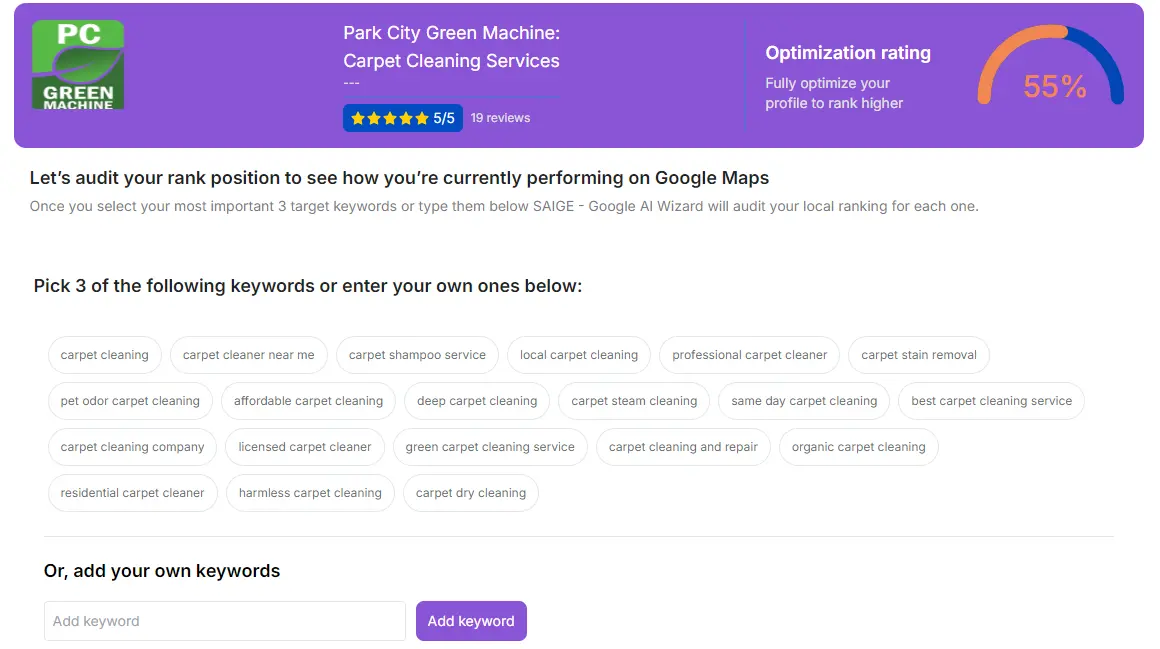
What the rating measures
The score is a weighted average of seven sub-scores SAIGE computes against your profile and your three priority keywords:
- Profile completeness — categories, services, attributes, hours, holiday hours, social links, opening date
- Photo health — count, recency, geo-tagging, naming conventions
- Posting cadence — frequency, recency, keyword coverage
- Review velocity and reply coverage — count, recency, % replied to
- Citation consistency — NAP across 45–62+ directories, duplicate detection
- Schema and on-page signals — your website's local schema, FAQ markup
- AI-search readiness — whether ChatGPT, Gemini and Perplexity have you indexed and citable
What's a "good" rating?
- Below 40% — the profile has structural gaps SAIGE will close in week one. Easy wins.
- 40–70% — the profile is reasonable but quiet. The cadence and citation work move you up here.
- 70–90% — competitive shape. You're now winning on prominence (frequency of fresh signals) rather than fixing gaps.
- Above 90% — you're operating at the ceiling of what's optimizable. Now ranking is a function of the cadence holding plus reviews and competitor activity.
How the rating improves
Most of the lift in the first two weeks comes from the structural fixes — completing profile fields, fixing citations, getting the posting cadence on schedule. After that, gains are slower but compound: each new review, each fresh photo, each new post is incremental.
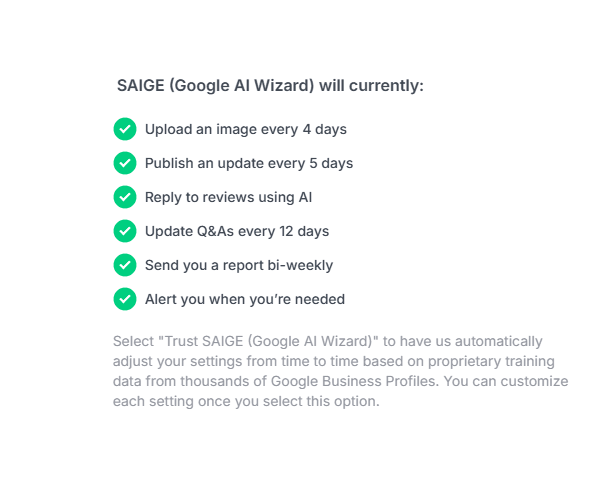
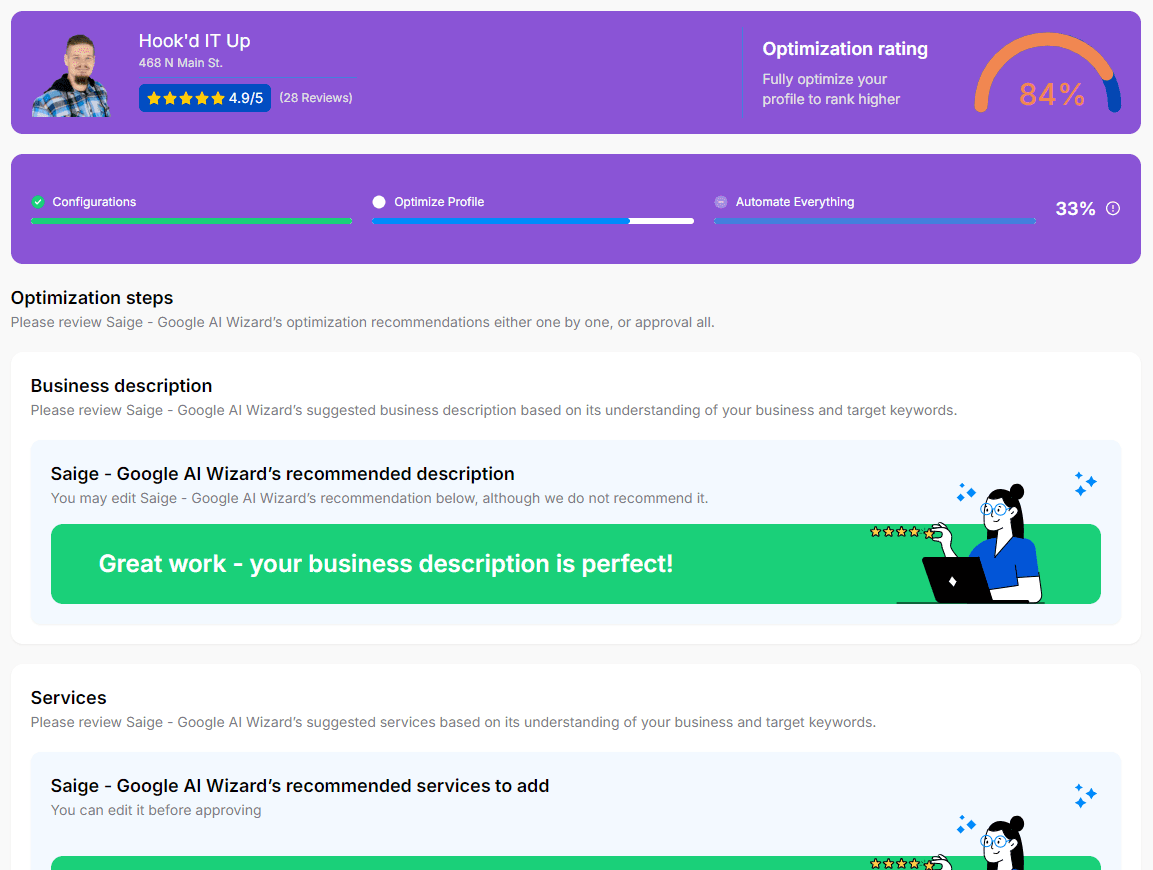
If your rating stalls below 70%, the most common culprits are (1) fewer than 10 reviews on the profile, (2) fewer than 50 photos, or (3) a website with weak local schema. Each of those is a SAIGE feature; the dashboard surfaces which one is the bottleneck.
Was this article helpful?
Your feedback helps us prioritize what to write next.